Visualize Your Ideas with Mind Maps
A productivity app that turns thoughts into action with todos
Key Features
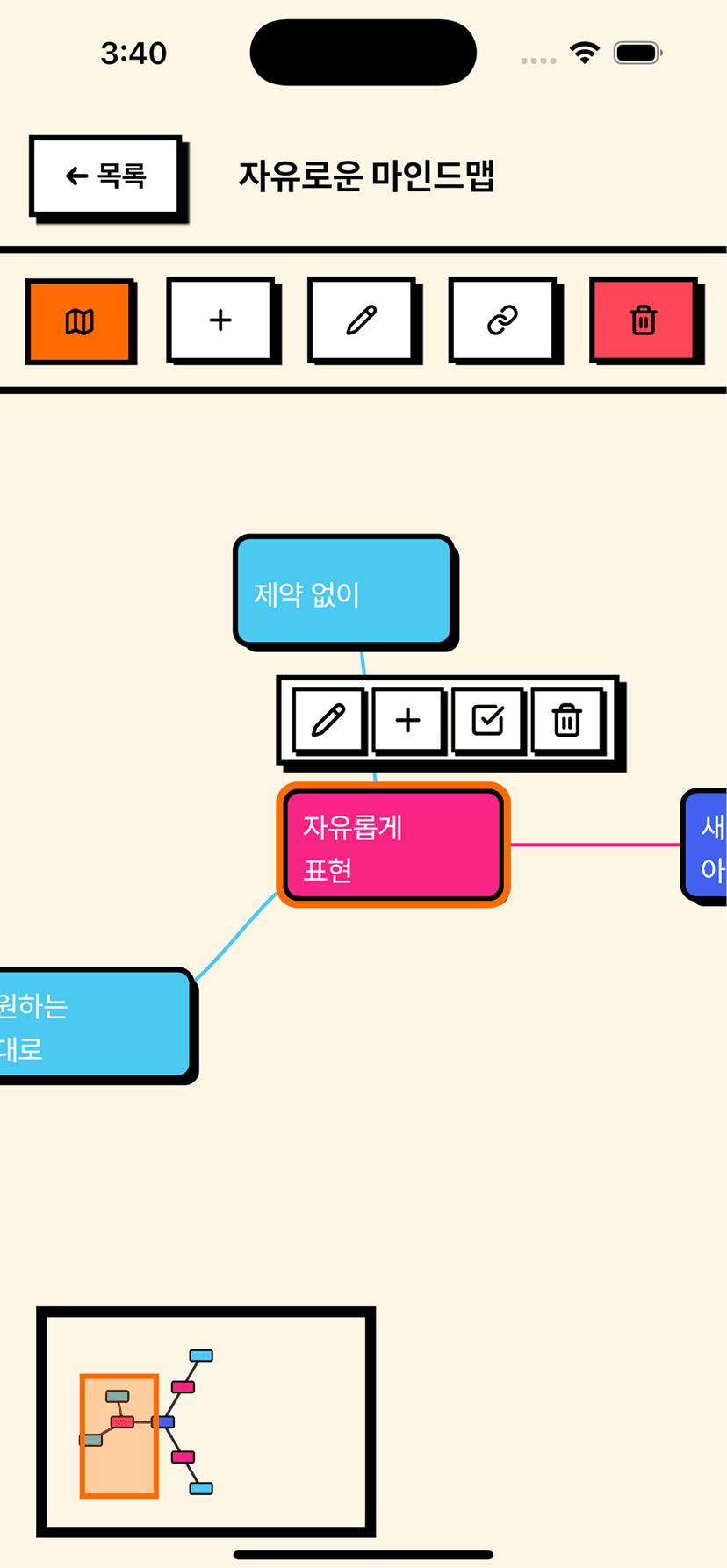
Flexible Mind Maps
Freely connect and visualize ideas on an infinite canvas. Supports node folding, alignment, and 6 color palettes.
Smart Task Management
Manage priorities, due dates, and progress bars right in your mind map. View everything at a glance in the todo list view.
Cloud Sync
Sign in with your Apple or Google account to automatically sync mind maps across all your devices.
Real-time Collaboration
Multiple people can edit the same mind map simultaneously. Changes are reflected in real time.
Auto Layout
Organize complex mind maps with hierarchical and radial layouts in just one tap.
Notifications & Reminders
Never miss important tasks with due date alerts and advance reminders. Customize notification times freely.
Drawing Tools
Express your ideas freely with the pen tool. Supports various colors and stroke widths.
Various Templates
Get started quickly with 10 templates including project planning, brainstorming, and habit tracking.
Image Export
Save your completed mind maps as PNG/JPG and share them easily. High-quality export supported.
FAQ
Is MindTodo free?
Yes! All core features of MindTodo are completely free to use.
Can I use it without signing in?
Yes! You can use all basic features offline without signing in. Sign-in is only required for cloud sync and real-time collaboration.
How is my data stored?
All mind map data is securely stored locally on your device. Sign in with your Apple or Google account to sync across multiple devices via the cloud.
Can I share my mind maps?
You can export as an image to share via social media or messaging apps, or sign in to collaborate and edit together in real time.
Contact Us
Have questions or issues? Feel free to reach out anytime!